 DIGITALNAUTS
When you repeat the same task dozens of times, a few seconds per scan adds up. Tuning the settings to match the job means fewer interruptions.
Start Scanning as Soon as the App Opens
Turn on “Start camera on launch” and the camera is running the moment you open the app. It suits days full of scanning.
Leave it off when you would rather not have the camera start right away.
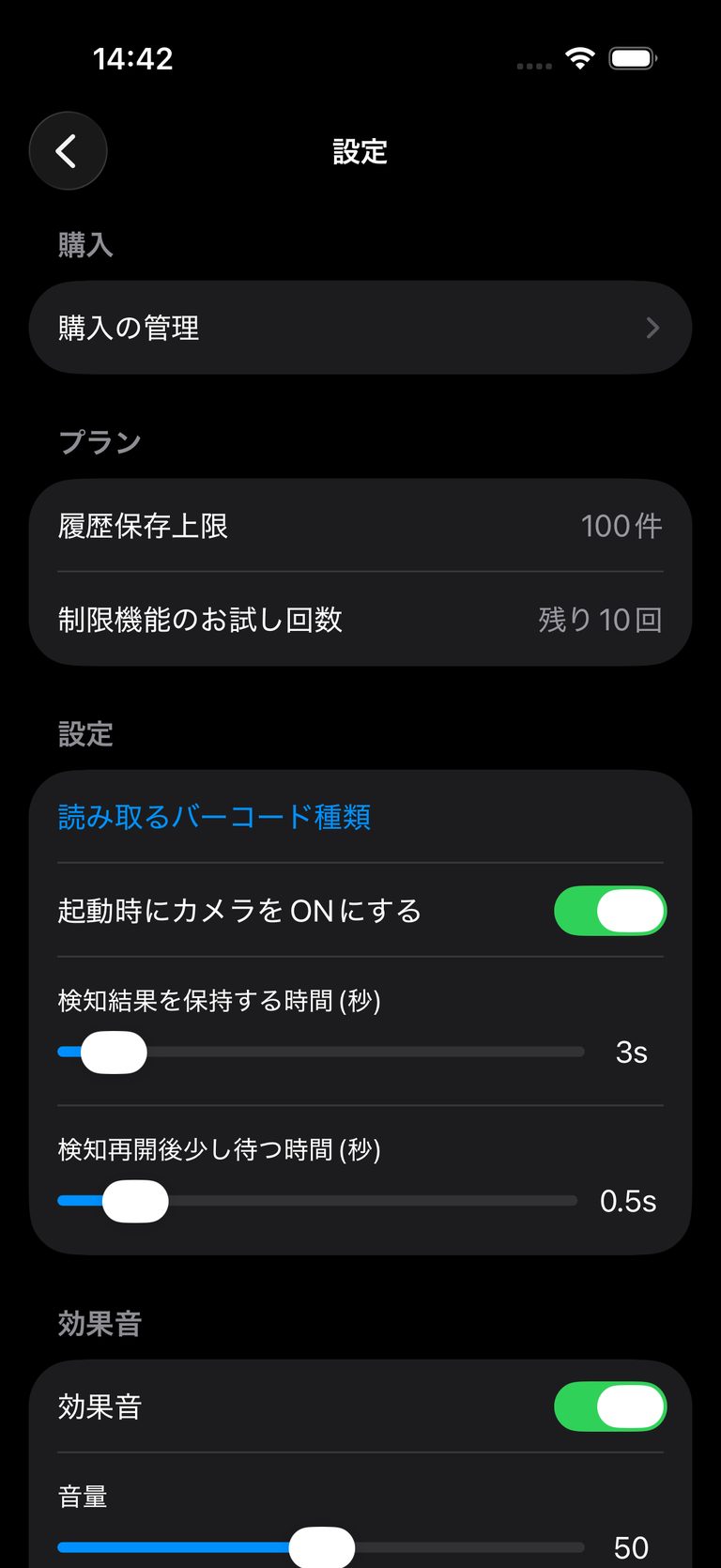 Settings screen (plan and scanning behavior)
Confirm Each Scan by Sound or Vibration
You do not have to watch the screen to know a scan succeeded.
| Setting | Use |
|---|---|
| Sound effect | Confirm a scan in a quiet place |
| Volume | Match the noise around you |
| Vibration | Use where sound is not allowed |
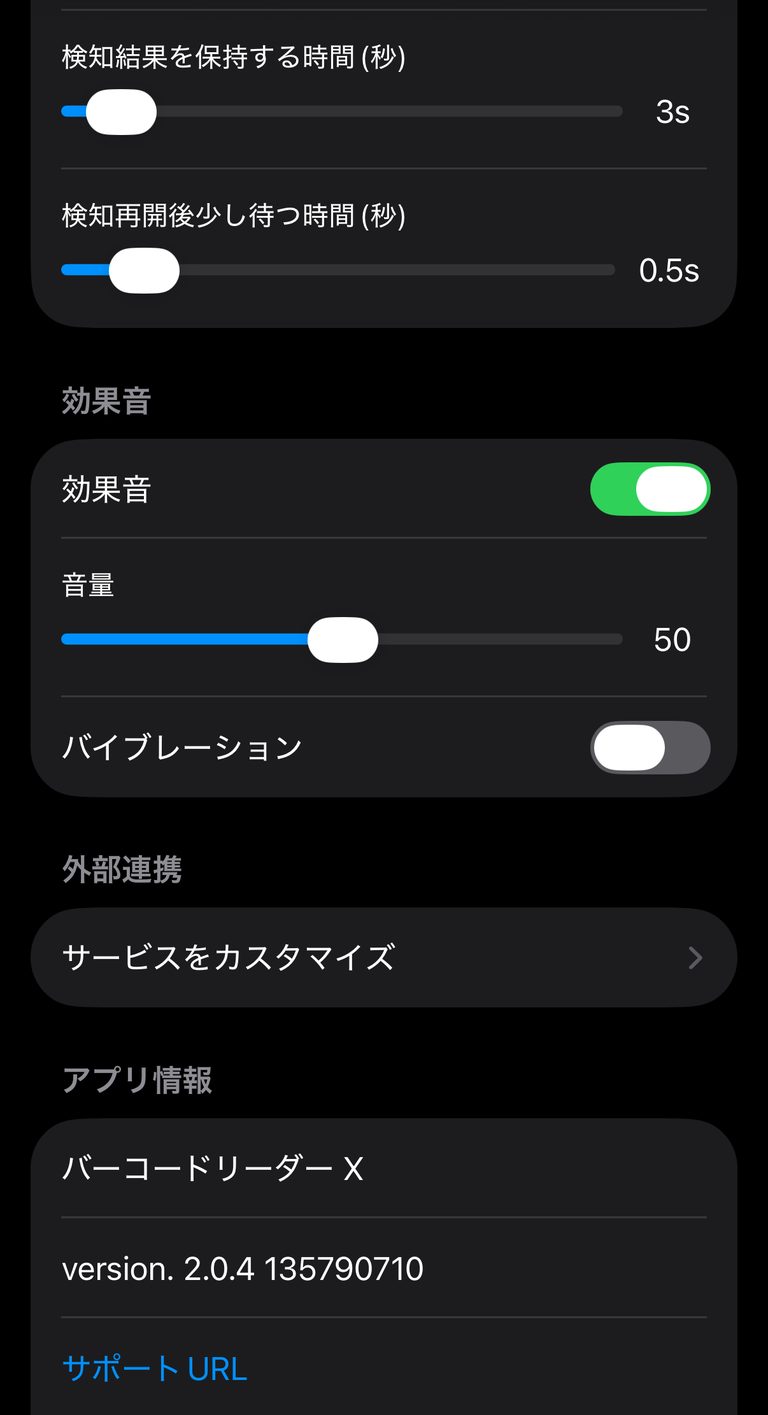 Sound settings
Adjust the Pace of Continuous Scanning
| Setting | What it does |
|---|---|
| Time to keep a detected result (seconds) | How long the result stays on screen |
| Wait before detecting again (seconds) | The pause before the next scan starts |
If the same code keeps being scanned twice, increase the wait. If you want to move quickly through many items, shorten it.
Narrow the Barcode Types
Enable only the formats used in your work. Misreads drop and scanning gets steadier.
Export When the Job Is Done
Scans stay in your history. When you finish, export them as CSV, Excel, or PDF for your records.
Notes
- The free version limits how many records are stored
- The limit is shown under Plan in Settings
Learn more about Barcode Reader X
Related guides: