 DIGITALNAUTS
When you hold something in one hand and calculate with the other, your thumb cannot reach the buttons near the edge of the screen. The larger the phone, the harder it gets.
What You Can Adjust
| Item | What it does |
|---|---|
| Adjust position | Move the whole keypad up, down, left, or right |
| Area Height | Change how large the buttons are |
| Pad Layout | Standard, Standard (Mirrored), Standard (Operators Left) |
| Reset position | Go back to the original layout |
How to Adjust
- Tap the gear button in the toolbar to open the settings screen
- Under “Button pad”, tap “Adjust position”
- Drag the keypad on the calculator screen to where your thumb reaches
- Drag the top edge of the keypad area to set its size
Move the keypad to the right if you hold the phone in your right hand, and to the left if you hold it in your left hand.
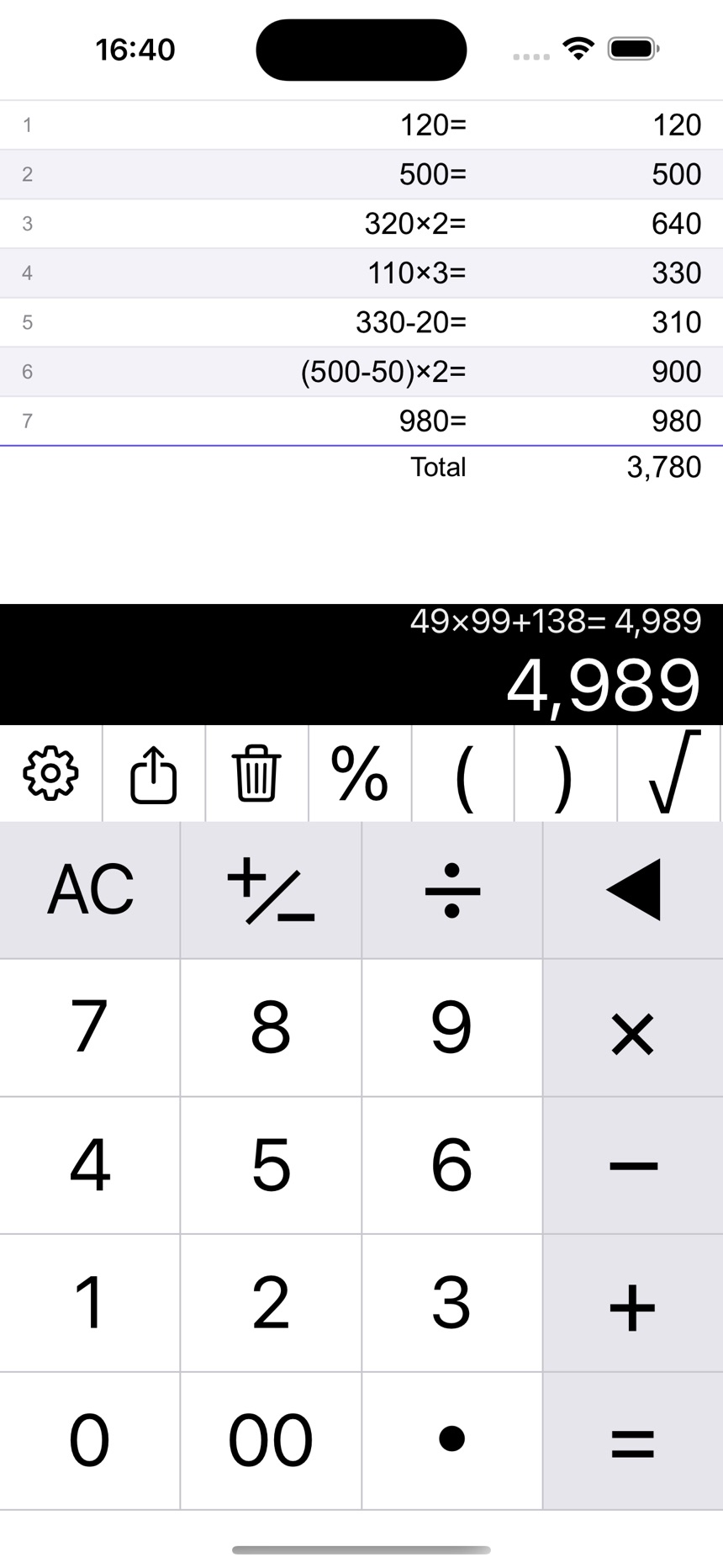 The standard position
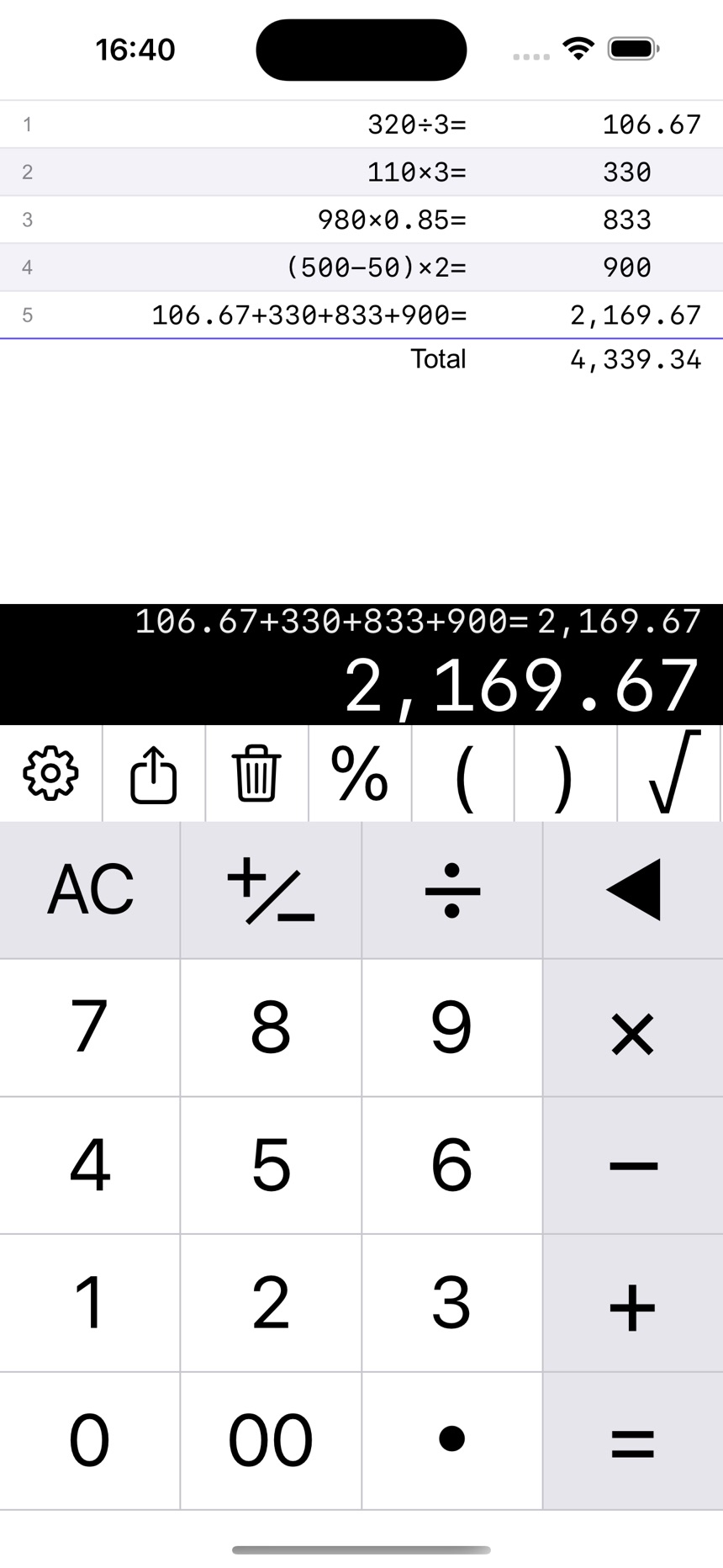 Moved to the right, where your thumb can reach the buttons
For Left-Handed Use
“Standard (Mirrored)” flips the numbers and operators from side to side. “Standard (Operators Left)” moves only the operators to the left.
Notes
- Your position is kept the next time you open the app
- Use “Reset position” to go back to the original layout
Related guides: